When to use it
Use it after an explanation, before a break, or whenever you want the agenda to come from the students, not only from the loudest voice.
Q&A in Sendsteps. Students submit questions without having to interrupt. You see what the room needs, including from students who would not raise a hand.
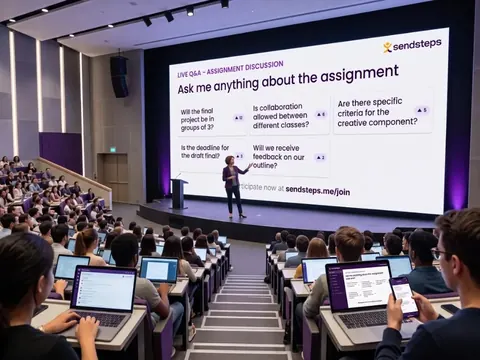
Use it after an explanation, before a break, or whenever you want the agenda to come from the students, not only from the loudest voice.
Repeated questions on the same point are a Validate signal: that part of the lesson did not land. Improve can recommend a clearer explanation next time.
Q&A is an Engage question type that collects questions students want to ask you. They submit from their own device, so quieter students can raise a point without speaking first. You decide what to take live.
Yes. Pair Q&A with Upvoting when you want the group to highlight which questions matter most. Upvoting shows priority. You stay in control of what you address.
No. You decide what to take in the moment and what to follow up after class. The point is that the questions are visible, not that you perform a full inbox in real time.
Anyone can submit a question from a device. They do not have to wait for a gap in the discussion or speak in front of the room. That is equal voice, not only the confident few.
Use these question types in Engage. Then see who understands in Validate.