Steps
- Open My Library.
- Choose Start blank.

Start blank is in the toolbar. - Choose Blank Presentation. Under the name you see Interactive slides for meetings, talks, and workshops.

- You land on Pick a visual theme. Click a theme. You cannot choose Open editor until you do.
- Choose Open editor.
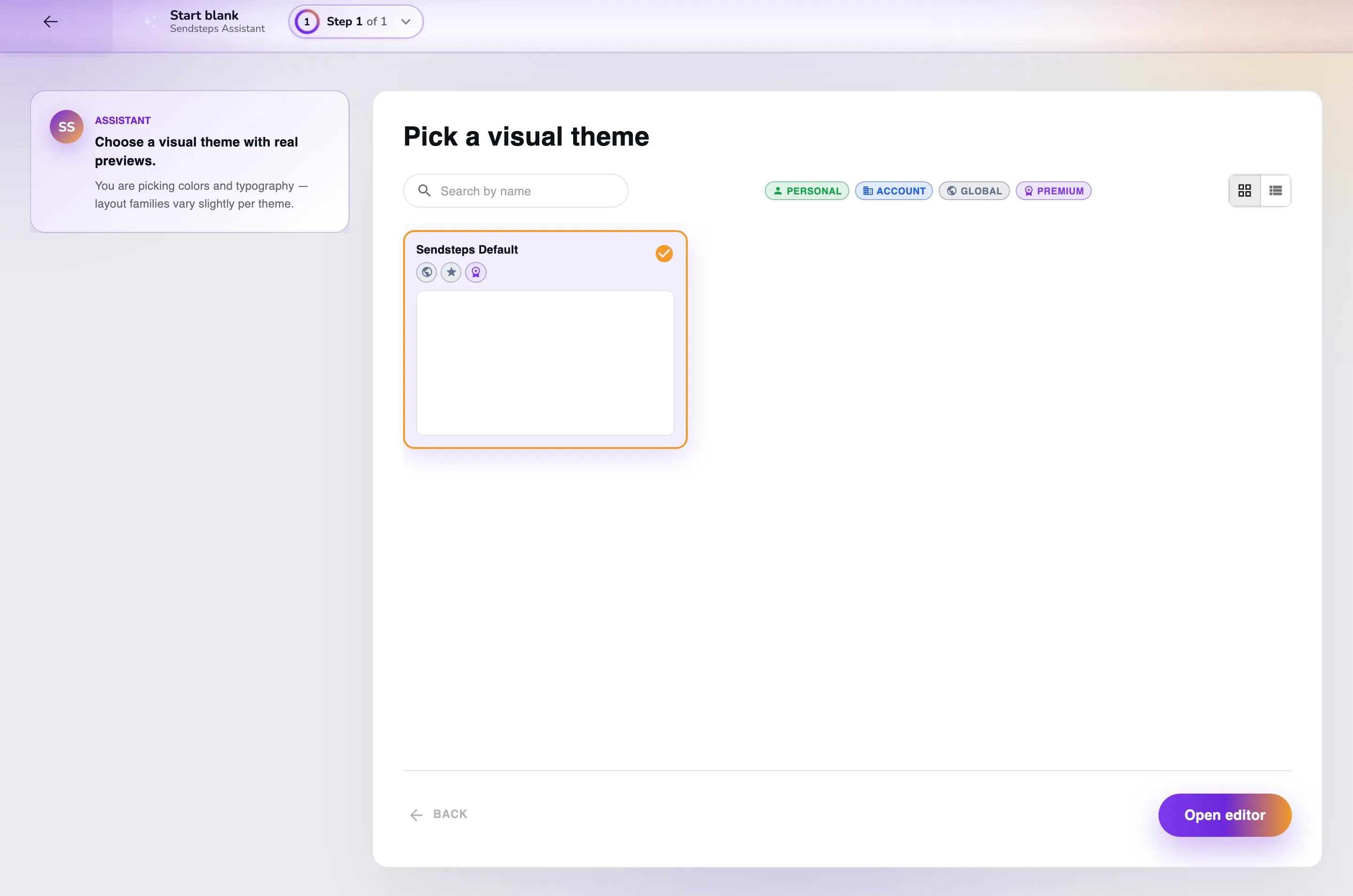
Click a theme, then choose Open editor.
What you see
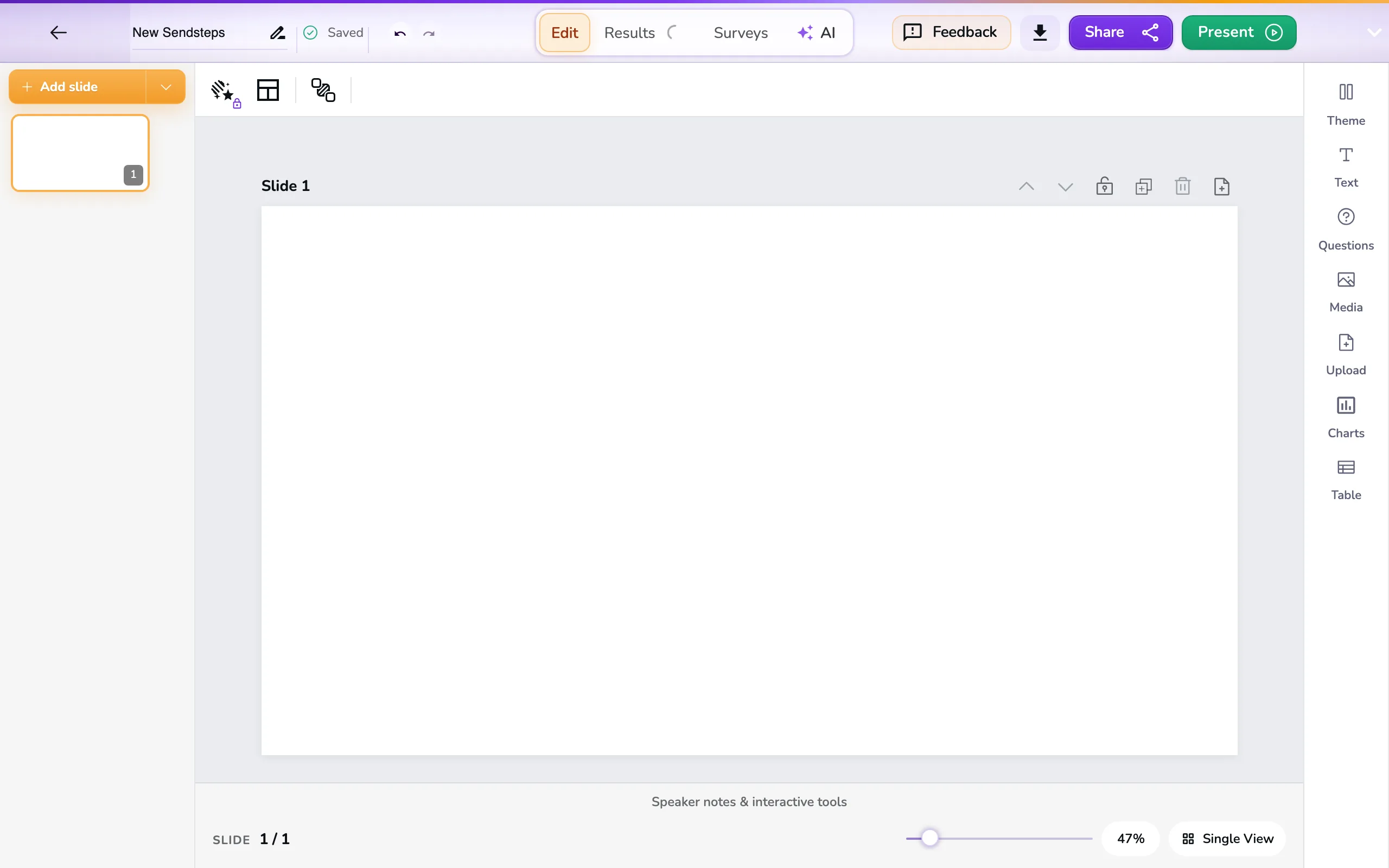
The editor opens. The presentation is named New Sendsteps. You can change that name.
If it does not work
If nothing opens, you see Could not create presentation. Stay on My Library and try again.
If the themes do not load, you see Themes are temporarily unavailable. Check your connection and try again.
If you are signed out, you see Sign in to load themes.