When to use it
Use it to open a topic, gather examples, or collect questions before you explain. Categories keep the board readable.
Brainstorming is a Sendsteps question type. Students send ideas into categories you set. You can show them as they arrive, or hold them until you choose to reveal. Quiet students still get a place on the board.
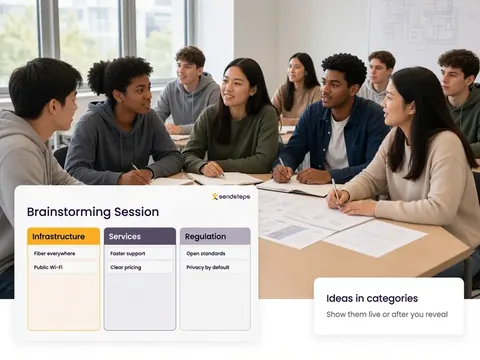
Use it to open a topic, gather examples, or collect questions before you explain. Categories keep the board readable.
The set of ideas is a Validate picture of what the group already thinks. Themes that keep returning can inform Improve. AI recommends, teachers decide.
Brainstorming is a question type in Engage. Students submit ideas into categories. You decide when those ideas become visible to the room.
No. You can show ideas as they arrive or after you choose to reveal them.
No. Everyone answers on their own device. Equal voice for every student, not only the hands that go up.
Yes. The ideas belong to the lesson. Validate can include the themes as evidence of prior knowledge or remaining questions.
Use these question types in Engage. Then see who understands in Validate.