When to use it
Use it for definitions, language, formulas, or a short procedure. Optional marking can score the gaps you set as correct.
Fill in the blanks is a Sendsteps question type. Students complete gaps or dropdowns in a text. You see who has the term, the spelling, or the structure, without calling on one student.
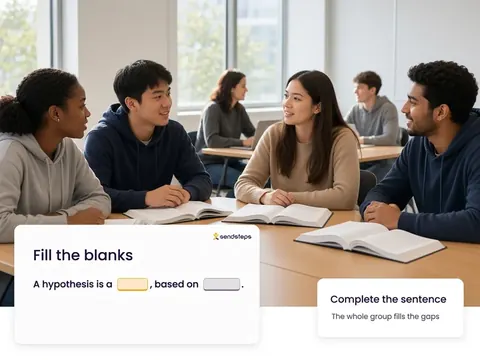
Use it for definitions, language, formulas, or a short procedure. Optional marking can score the gaps you set as correct.
Gap answers are a Validate check on a specific term or step. Repeated misses on the same blank are a signal for Improve. AI recommends, teachers decide.
Fill in the blanks is a question type in Engage. Students complete missing parts of a text, typed or from a list. The group answers on their own devices.
You can set expected answers for a gap, including synonyms where that helps. The review step is how you stay in control of what counts as correct.
No. Everyone answers on their own device. Equal voice for every student, not only the hands that go up.
Yes. Completions belong to the lesson. Validate can include them as evidence of who had the term.
Use these question types in Engage. Then see who understands in Validate.