When to use it
Use it for maps, diagrams, anatomy, lab setups, or any picture where location is the answer.
Find on image is a Sendsteps question type. Students tap or click a place on an image. You see a heat map or pins, so the whole group can point without coming to the board.
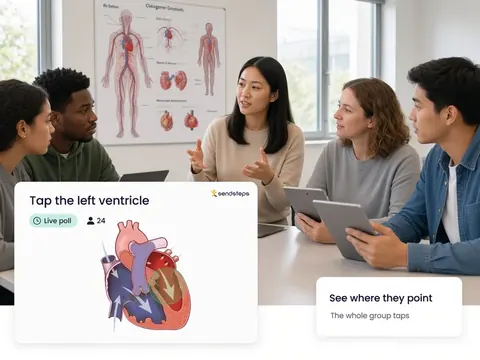
Use it for maps, diagrams, anatomy, lab setups, or any picture where location is the answer.
Where the group taps is a Validate picture of spatial understanding. A cluster on the wrong region is a signal for Improve. AI recommends, teachers decide.
Find on image is a question type in Engage. Students tap a place on a picture. You see an overview of those taps during the lesson.
You see a heat or pin overview of where the group pointed, so you can discuss the picture with the whole room.
No. Everyone answers on their own device. Equal voice for every student, not only the hands that go up.
Yes. The taps belong to the lesson. Validate can include where the group pointed as evidence of understanding.
Use these question types in Engage. Then see who understands in Validate.