When to use it
Use it for maps, anatomy, equipment, or any picture with parts to name.
Label an image is a Sendsteps question type. Numbered pins sit on a photo. Students type a name for each pin. Synonyms can count, so spelling variants do not have to block a right idea.
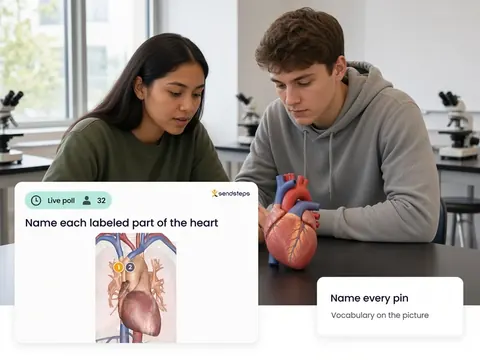
Use it for maps, anatomy, equipment, or any picture with parts to name.
The labels are a Validate check on vocabulary tied to a picture. Repeated misses on the same pin are a signal for Improve. AI recommends, teachers decide.
Label an image is a question type in Engage. Students type a name for numbered pins on a photo. The group answers on their own devices.
Yes, you can allow synonyms so a right idea is not blocked by one spelling.
No. Everyone answers on their own device. Equal voice for every student, not only the hands that go up.
Yes. The labels belong to the lesson. Validate can include them as evidence of who could name the parts.
Use these question types in Engage. Then see who understands in Validate.